
Sharing files with co-instructors
The first time you add a co-instructor to your course, or when creating a new assessment, you may see a prompt asking if you want to automatically share edit access to the scenario and rubric files you use in the course.
This guide walks you through what this choice means and how to decide.
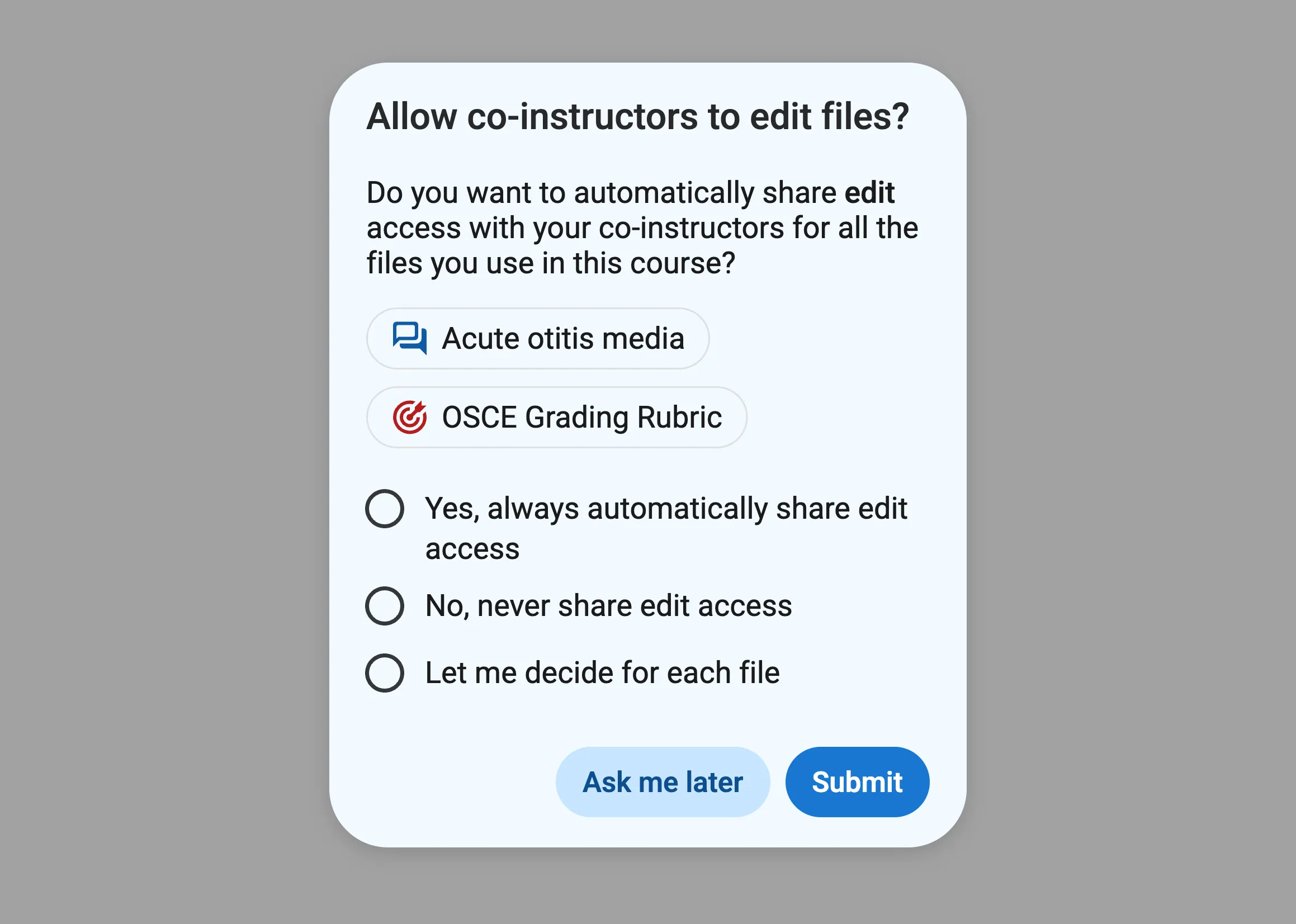
Understanding this choice
Section titled “Understanding this choice”When you make a new scenario or rubric, by default it’s private to you. This means that you’re the only one who can view or edit it. You can manually share files to allow others to view or edit them. Learn more about sharing files.
When you assign a scenario (or rubric) as part of an assessment, the file becomes linked to the assessment by default. This means that editing the scenario (or rubric) from within the assessment will also update the original scenario file, or vice versa. Learn what it means for files to be linked vs unlinked.
The sharing permissions on the original scenario or rubric file determine who can edit it, so if you want your co-instructors to be able to edit the original file too, they need access.
What happens if you don’t share
Section titled “What happens if you don’t share”If you choose not to share, then the sharing permission for the scenario or rubric files you used in the course will remain unchanged. If the files were private before, they will remain private.
Your co-instructors will still be able to see the scenarios and rubrics when viewing an assessment, but they won’t be able to edit the original files. Instead, they’ll have the option to make edits just for that assessment, which won’t affect the original files or anywhere else they’re used.
What happens if you do share
Section titled “What happens if you do share”If you choose to share, then all of your co-instructors will be granted edit access to your original scenario and rubric files. If the files were private before, they will now appear as shared, and a new entry will appear in the sharing window under “People with access”.
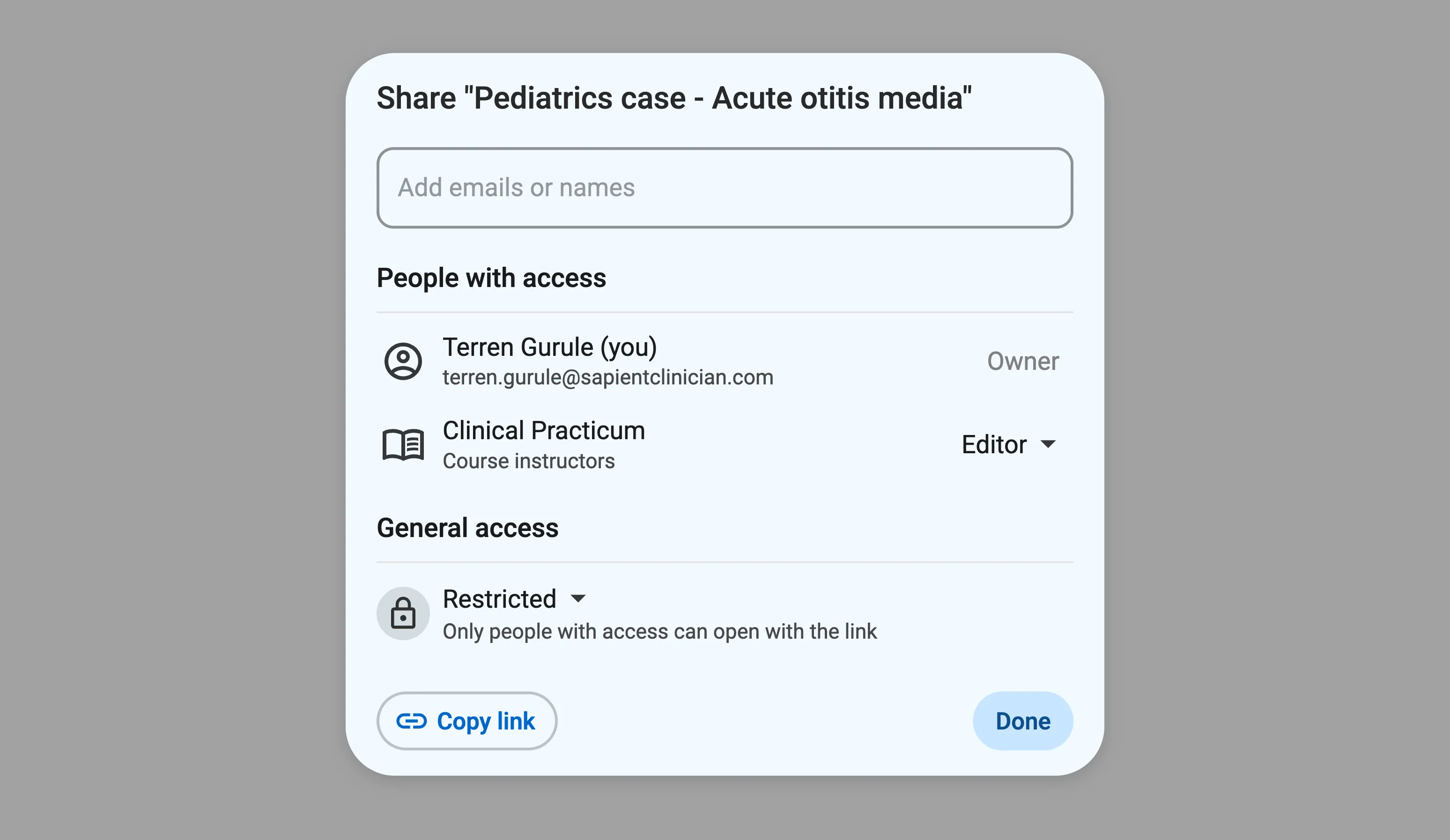
When your co-instructors go to edit a scenario or rubric that’s part of an assessment in the course, their edits will be saved back to the original file. If the file is used in multiple assessments or courses, then it’ll be updated everywhere.
What if you want to decide for each file
Section titled “What if you want to decide for each file”When you pick “Let me decide for each file”, every time you create a new assessment we’ll ask whether or not you want to share edit access to the scenario and rubric with your co-instructors. You can pick and choose what you want to share instead of sharing everything automatically.
Changing your mind
Section titled “Changing your mind”Visit the “Settings” tab of a course to change this option. Note that changes to this option will only apply going forward, and won’t retroactively share or unshare anything.